
Press kit · usagepool.ai
Press kit
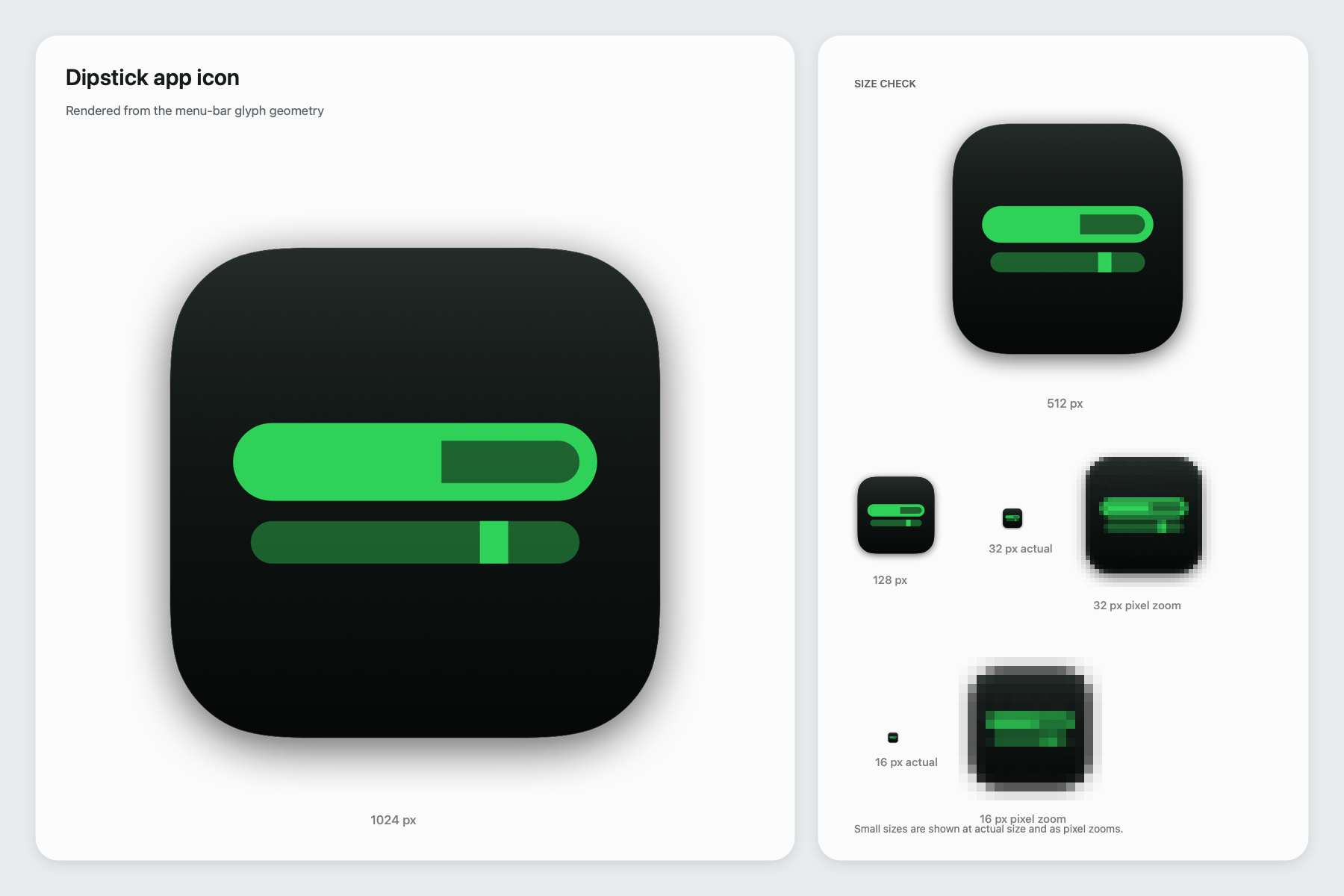
These assets are available for coverage. The native app captures contain example readings; the app icon is available in five sizes.


02 / 04 · Screenshots
Native app captures.
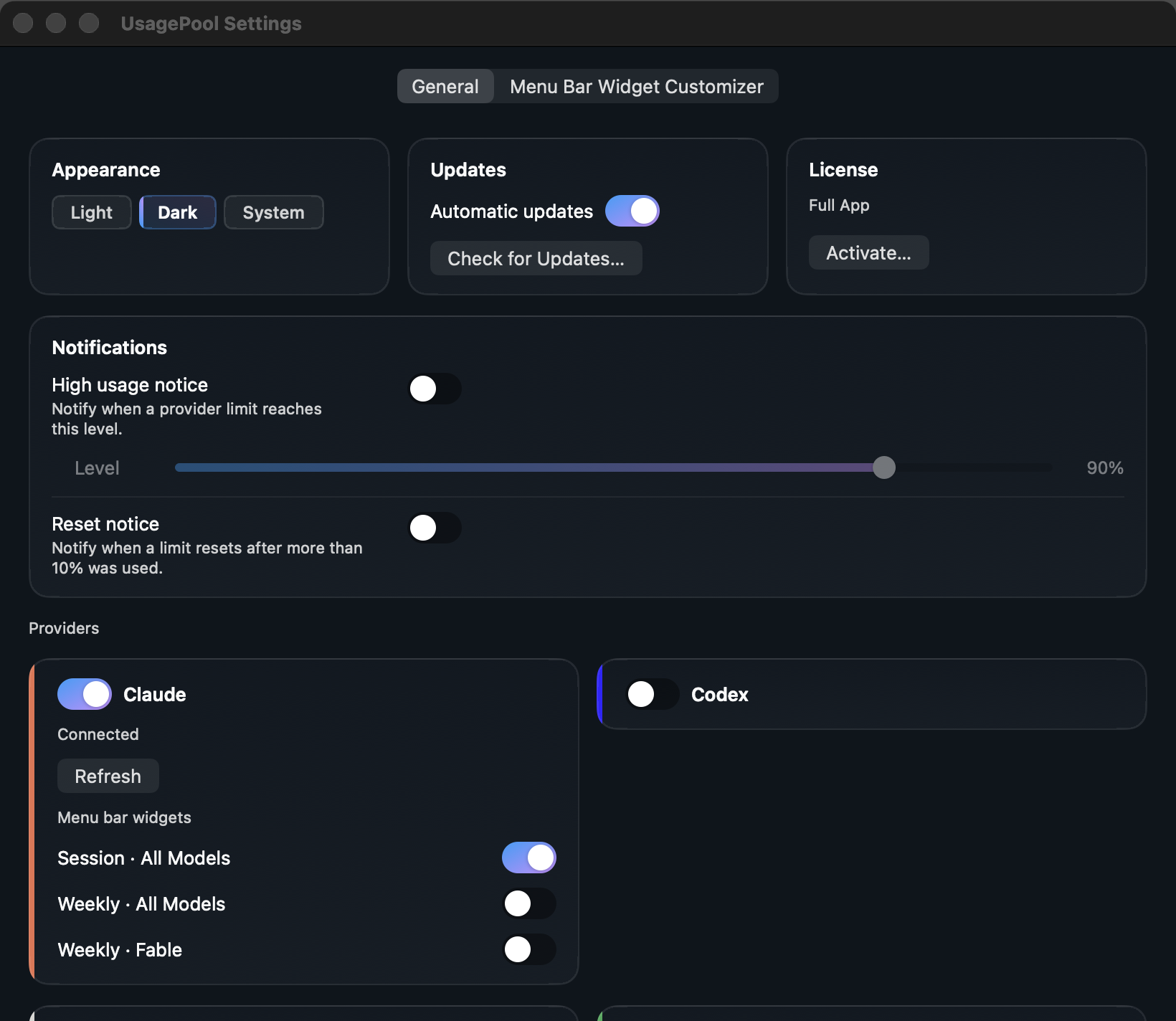
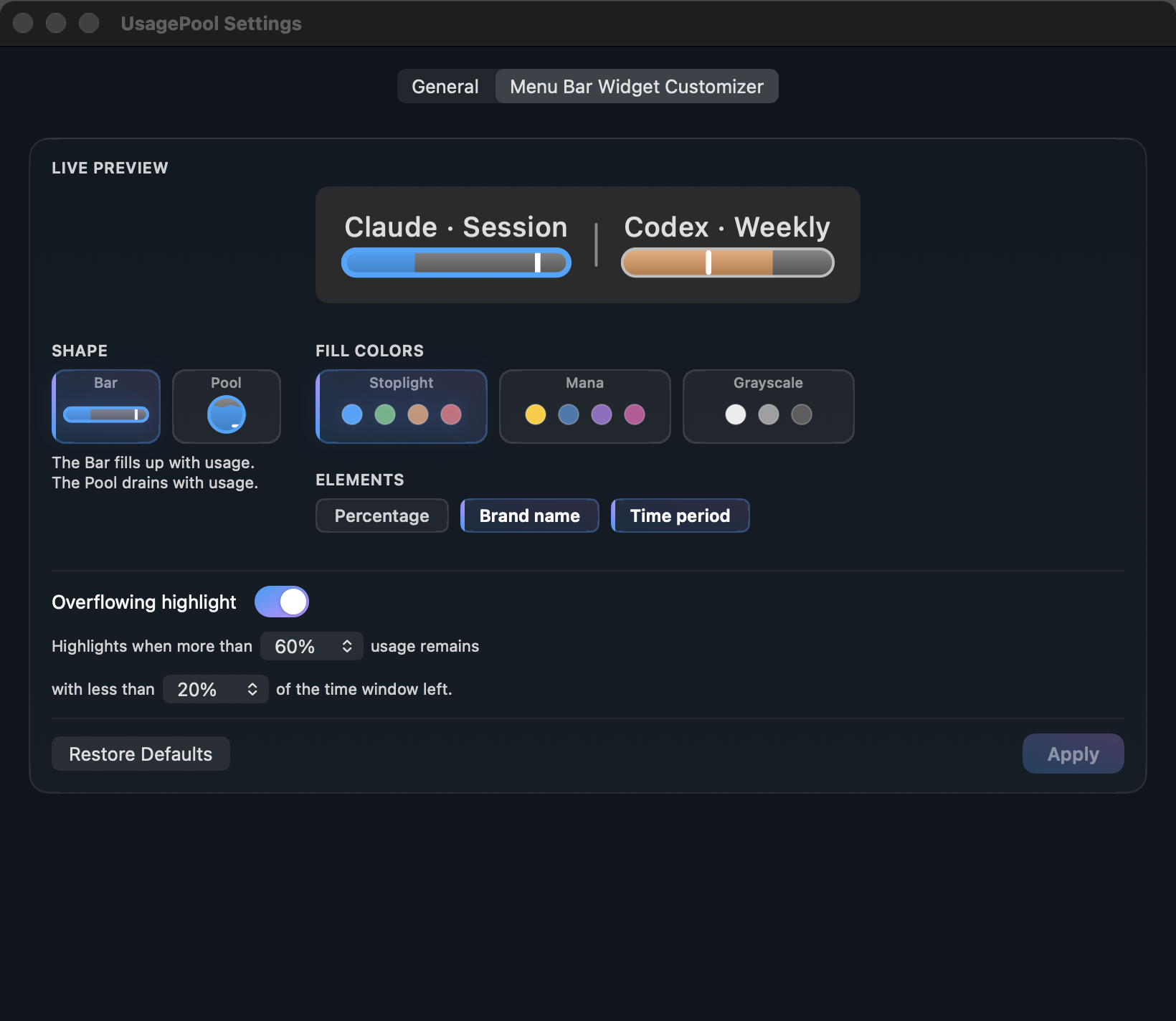
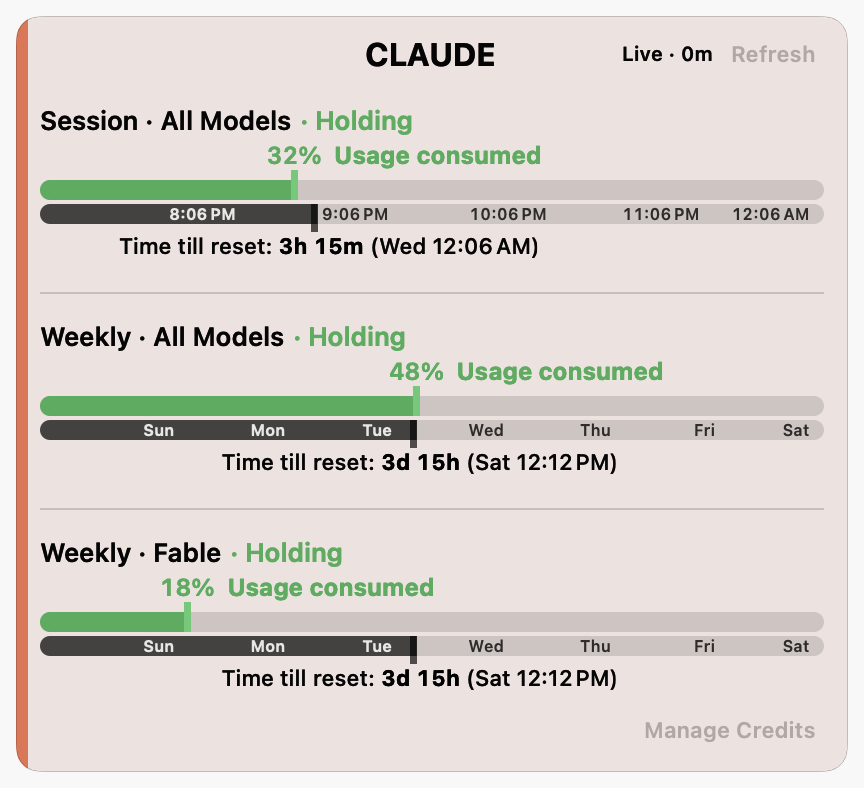
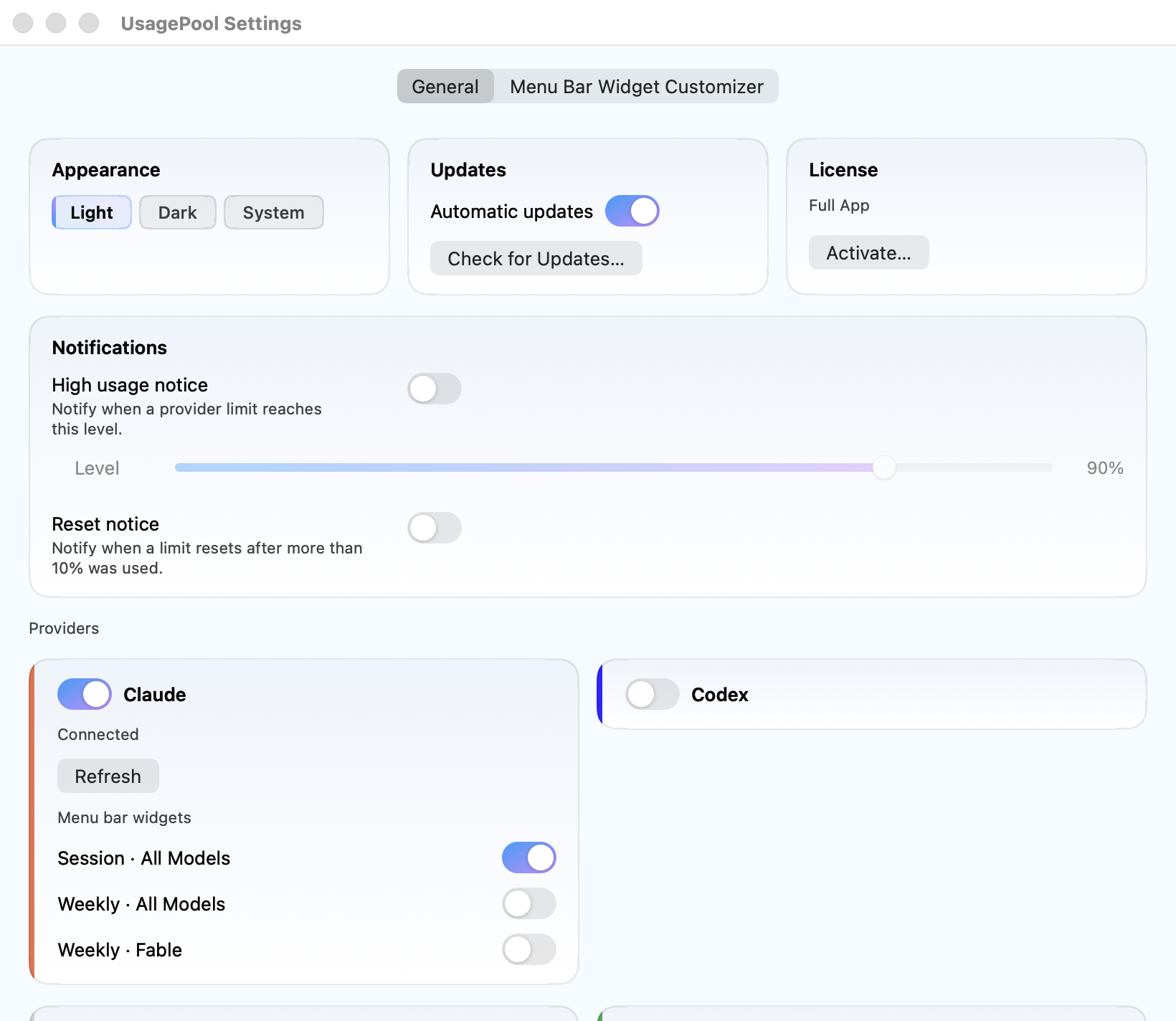
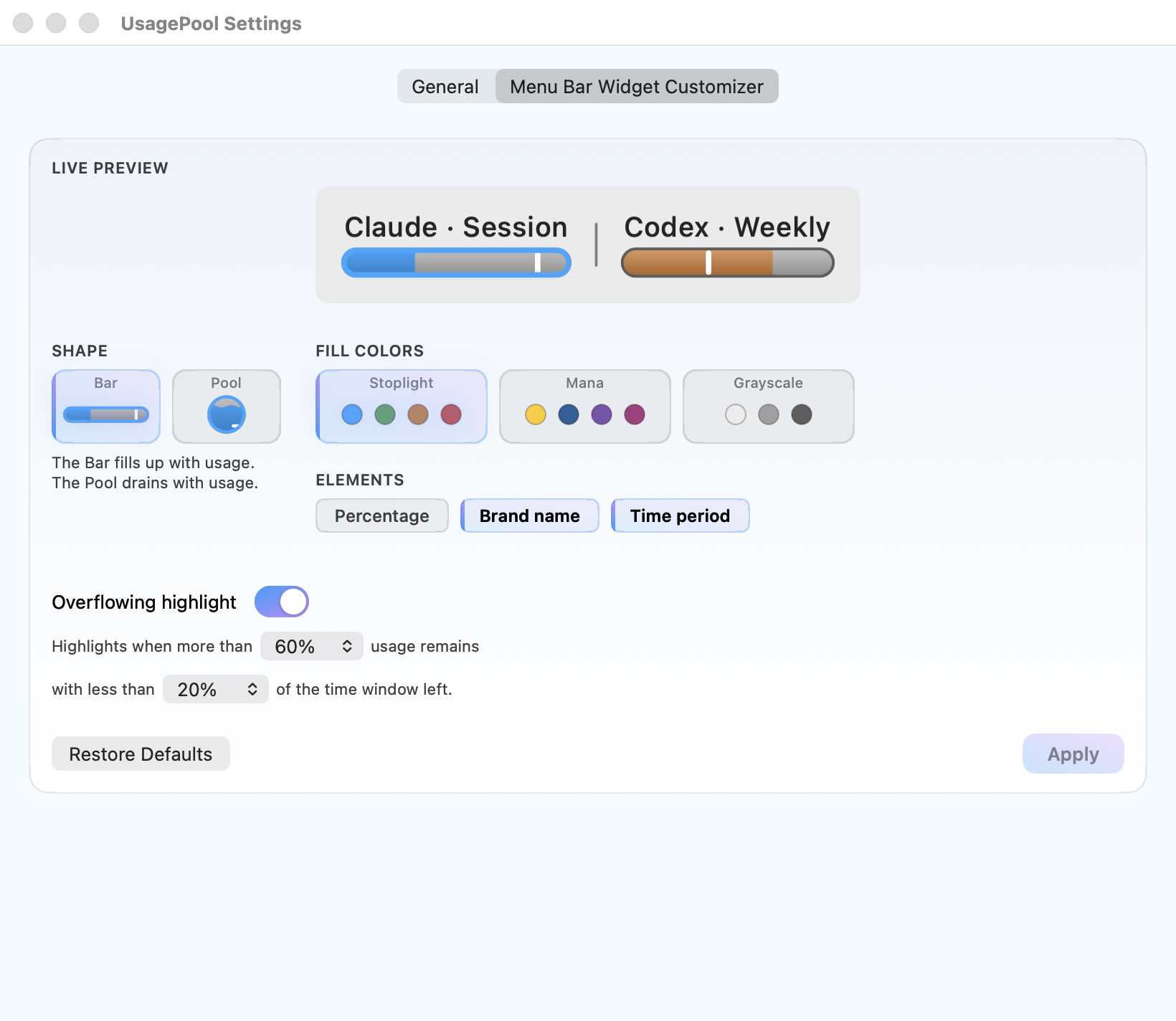
The widget, hover card and both Settings tabs are captured from the native app using example readings. Settings is shown with a Full license.

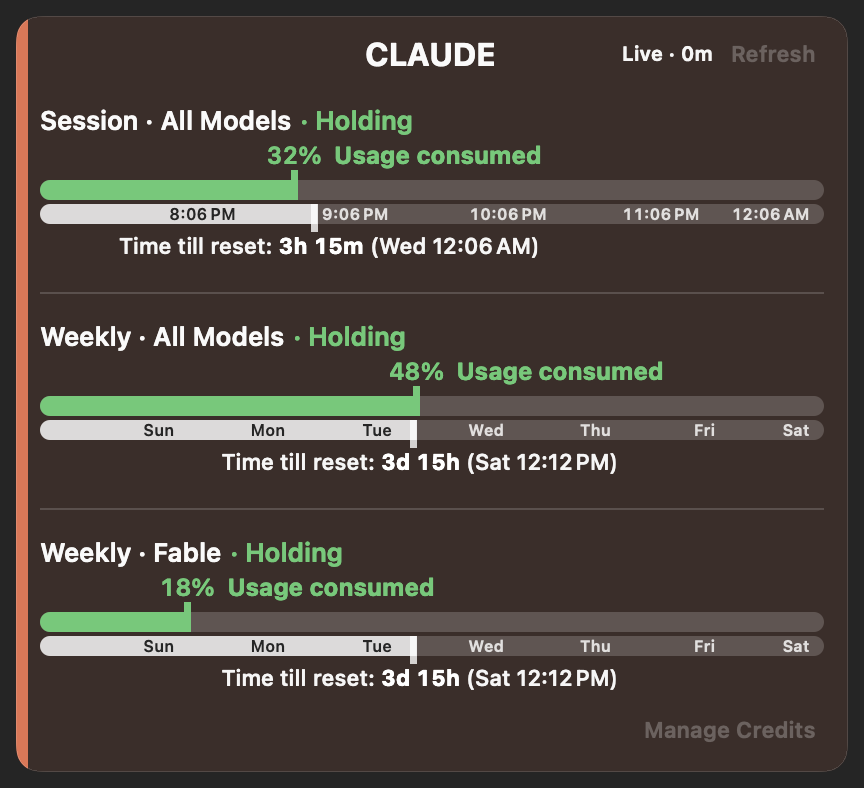
Original captures: Light widget · Dark widget · Light card · Dark card.

Settings captures: Light General · Dark General · Light Customizer · Dark Customizer.
03 / 04 · Copy you can lift
Descriptions.
- Product, one line
- AI usage widgets for your Mac menu bar. Hover for the provider card, with current limits and reset times. Supports Claude, Codex, Cursor, Copilot and experimental Antigravity.
- Product, one paragraph
- UsagePool is a macOS menu-bar application that shows how much of each AI coding limit you have left next to how much of that limit’s window is left. Hover a widget to see that provider’s current limits, reset times and available account information. It covers Claude, Codex, Cursor, GitHub Copilot and Google Antigravity in one application, reads them through tools the user has already authenticated on their own Mac, and requires no API key or separate account and sends no app telemetry.
- Founder
- Scott Florida builds small macOS utilities. UsagePool brings the current limits from supported AI coding tools into the menu bar, using Swift 6 and AppKit.
04 / 04 · Facts and contact
The checkable facts.
- Price
- Free includes one provider and one fixed widget. Single starts at $2 once, then costs $3. Full starts at $4 once, then costs $6. The launch price applies to the first 1,000 paid licenses across both plans. Both paid plans are permanent licenses. Paid plans include unlimited widgets, customization and notifications; Full adds unlimited providers. Every purchase has a 30-day refund window.
- Platform
- macOS 13 Ventura or newer, Apple silicon or Intel. Swift 6 and AppKit.
- Availability
- Direct from usagepool.ai. Not the Mac App Store, for structural reasons. No signed build has been published yet.
- Press contact
- [email protected]